
COMETCON
NOV 8, 2025
The Real Impact of Encryption on Cloud Backup Speed
Discover how AI-driven forecasting in Comet Backup helps MSPs prevent data loss before it happens.
Comet 26.10.0 Epimetheus
Comet 26.10.0 Epimetheus, our latest Quarterly release, focuses on restores and integrations. Highlights include in-browser restores directly from the Comet Management Console with no Backup Agent required, plus new NinjaOne RMM and ConnectWise Manage PSA integrations, restoring directly to remote and cloud locations, mounting snapshots as a read-only folder on Linux, rule-based Microsoft 365 account selection with exclude rules, scheduled backup speed limits, Admin API tokens, and NFSv4 Storage Vaults. This release also adds a Disk Management tool to the WinPE Recovery Environment, more codesigning options, and significant memory and speed improvements when loading Storage Vault indexes.
The full set of changes can be found in the release notes.
Why Epimetheus?
This Quarterly release is named after Saturn’s moon Epimetheus, the orbital companion of Janus, our previous release’s namesake.
Fun fact: In Greek mythology, Epimetheus means “hindsight,” while his brother Prometheus represents “foresight.” And much like its mythological namesake, Epimetheus has an interesting history of looking back. These two moons share an orbit and swap places about every four years, and when astronomers first spotted them in the 1960s, they didn’t realize they were looking at two separate objects. It took years of observations to unravel the mystery. Sometimes, even in space, hindsight is 20/20!
Webinar Announcement
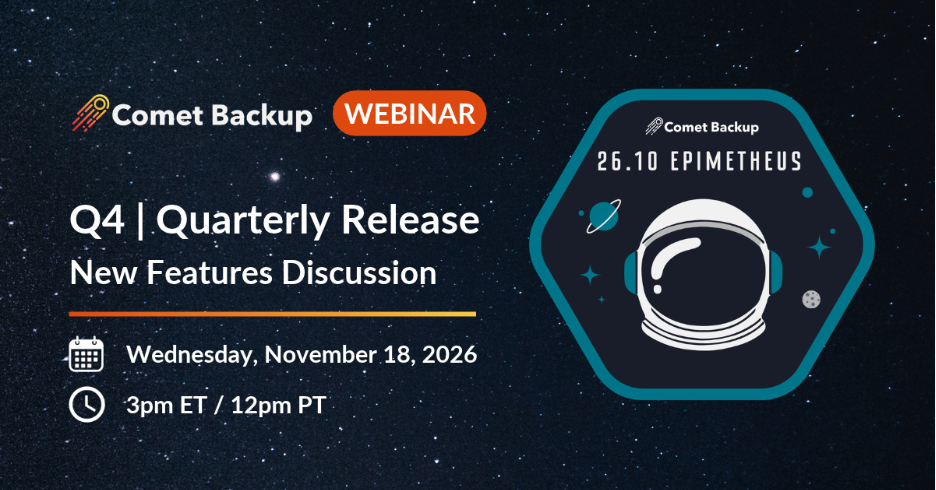
Join us for our Quarterly webinar on Wednesday, November 18th, 2026. Comet Backup’s Product Manager, Adam Wien, and Engineering Manager, Callum Sinclair, will cover all the latest product updates, with a live question-and-answer session at the end.
Register for the webinar here.
New Feature: In-Browser Restore from the Comet Management Console
Users and administrators can now restore a Protected Item, or a whole snapshot, from a Storage Vault directly in the web browser as a downloadable archive, without installing the Comet Backup desktop app. A new Restore… action is available on the Protected Items table of the user page, and selected items or whole snapshots from Comet-Hosted Microsoft 365 Protected Items can also be downloaded as a TAR or ZIP archive.
A new Allow administrator to restore data option lets an administrator perform an in-browser restore on a user’s behalf. The user stays in control: they can turn it on from the Comet Backup desktop app, and it can be turned off from either the Comet Management Console or the desktop app.
Why it matters:
New Feature: NinjaOne RMM and ConnectWise Manage PSA Integrations
Comet 26.10.0 Epimetheus adds two major new integrations for MSPs.
NinjaOne RMM: Comet’s new NinjaOne integration surfaces backup status directly inside NinjaOne, so you can monitor your customers’ backups alongside the rest of their endpoint data instead of switching between tools. Once configured, Comet writes the outcome of each backup to custom fields on the matching NinjaOne device (Last Backup Status, Last Backup Time, Last Backup Destination, Last Backup Total Size, and the Comet Job ID), refreshed automatically after every job. You can also enable automatic ticketing: when a backup fails, Comet opens a NinjaOne ticket against the affected device, repeated failures escalate the existing ticket instead of creating duplicates, and the ticket resolves automatically when the next backup succeeds. See the NinjaOne integration guide for setup instructions.
ConnectWise Manage PSA: ConnectWise Manage joins Comet’s existing PSA integrations. Comet Server automatically raises a ConnectWise Manage ticket when a backup job fails or a scheduled backup is missed, matched to the affected client, device, and Protected Item, with a severity based on the failure type. Repeated failures add a note to the existing ticket and escalate its severity rather than opening duplicates.
Benefits:
Enhancements
Comet 26.10.0 Epimetheus includes a large number of enhancements across the platform, with a strong focus on restores, Microsoft 365, and performance. A full list of enhancements and bug fixes can be found in our release notes.
Restore & Recovery:
Microsoft 365:
Backup & Performance:
Administration & Security:
Storage & Platform:
Notice: Microsoft 365 OneDrive Service Selection Change
Full and incremental backups now both follow the OneDrive service selection on a Microsoft 365 Protected Item. Previously, a Protected Item covering a user’s personal OneDrive captured that OneDrive during a full backup even when the OneDrive service was not selected, then dropped it from every later incremental backup. If unselected personal OneDrive data was being captured before, it will no longer be included in new backups, and a warning is logged whenever content is skipped for this reason. Please review your Protected Item service selections before upgrading to Epimetheus.
Discover how AI-driven forecasting in Comet Backup helps MSPs prevent data loss before it happens.

Discover how AI-driven forecasting in Comet Backup helps MSPs prevent data loss before it happens.

Discover how AI-driven forecasting in Comet Backup helps MSPs prevent data loss before it happens.
Discover how AI-driven forecasting in Comet Backup helps MSPs prevent data loss before it happens.
Discover how AI-driven forecasting in Comet Backup helps MSPs prevent data loss before it happens.
Discover how AI-driven forecasting in Comet Backup helps MSPs prevent data loss before it happens.